🎨 Skin System Guide
Create custom branded skins for your charge app — from design to deployment, in under 30 minutes.
What Are Skins?
OpenCPO's charge app uses a skin system that separates the charging engine from the visual presentation. The engine handles OCPP, payments, OTP auth, and live sessions. The skin controls colors, typography, layouts, and branding.
Switch skins with a single environment variable. No code changes. No rebuilds. One engine, infinite looks.
# Switch to a different skin
SKIN=voltage-backstage docker compose up

# Or in your .env file
SKIN=my-custom-brand
Available Skins
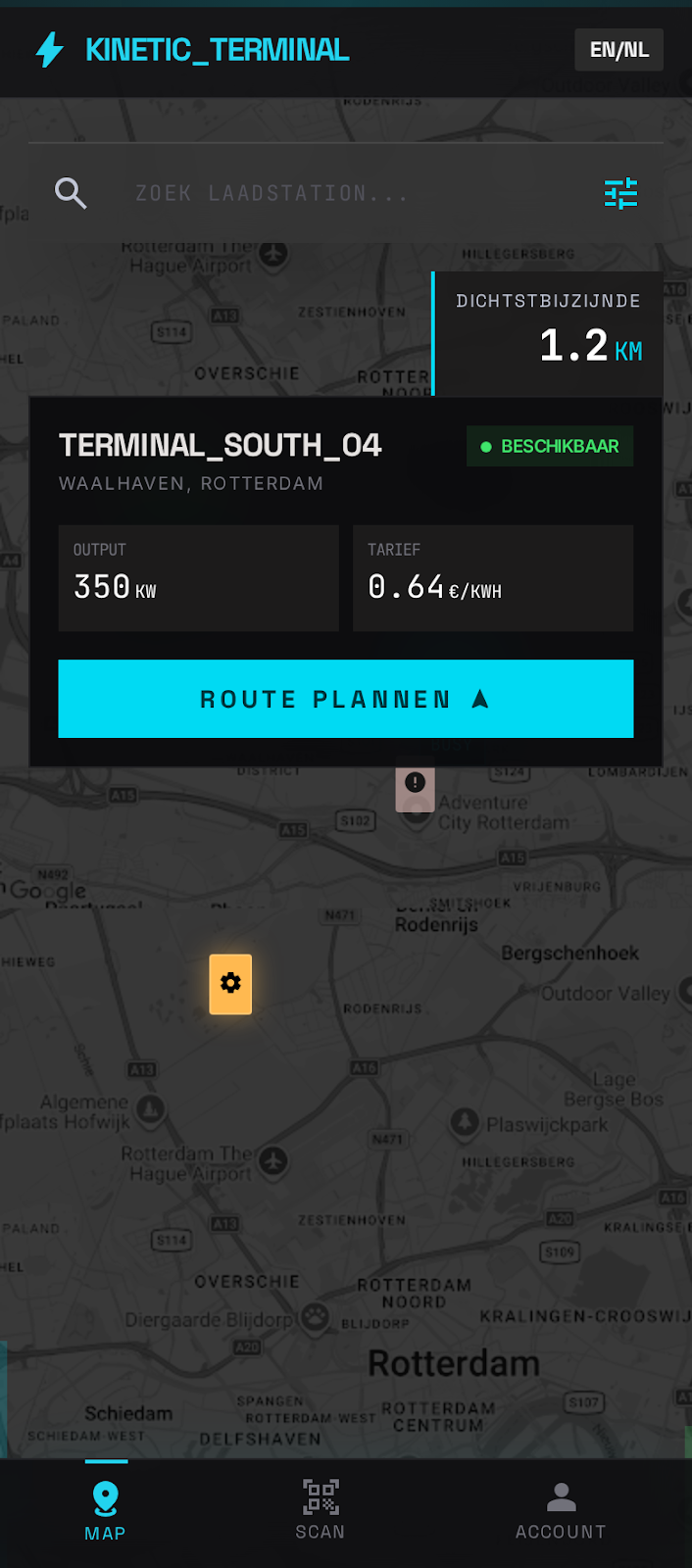
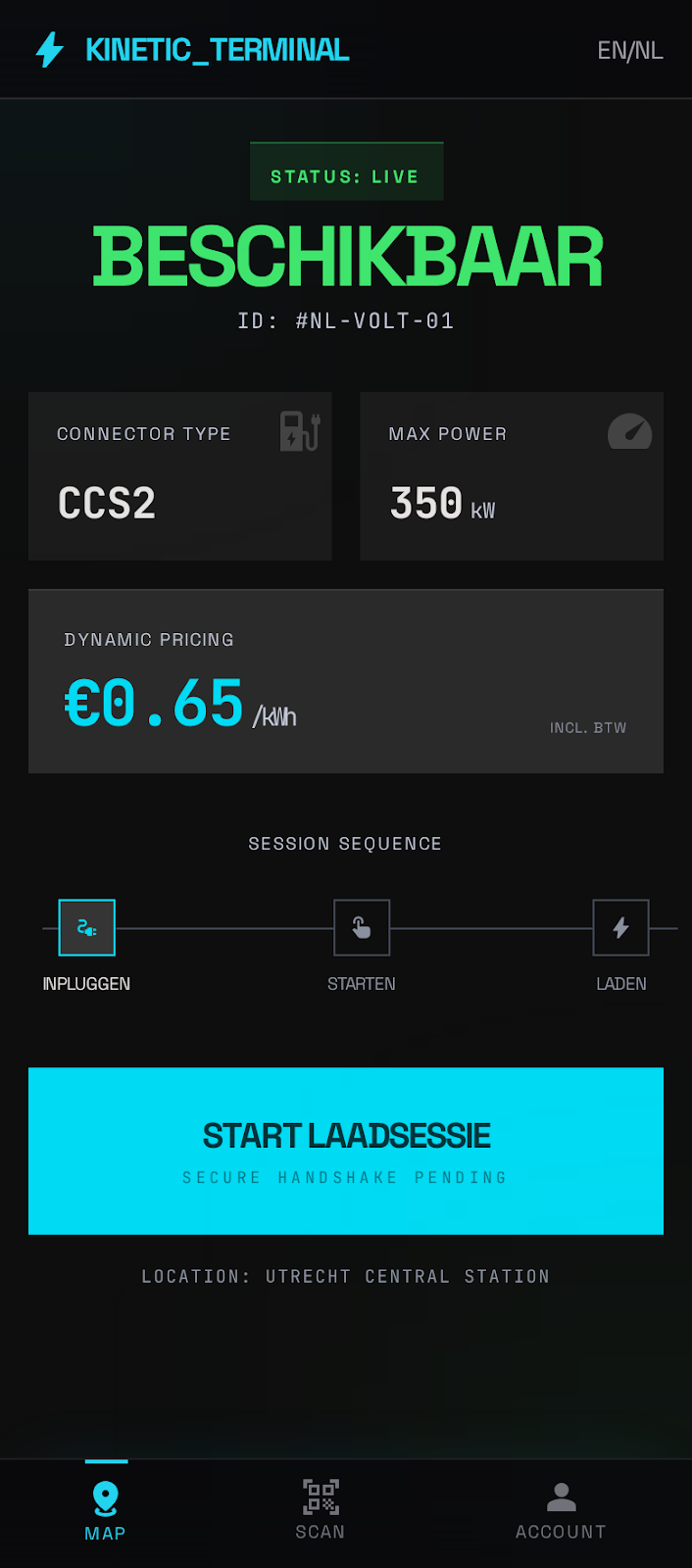
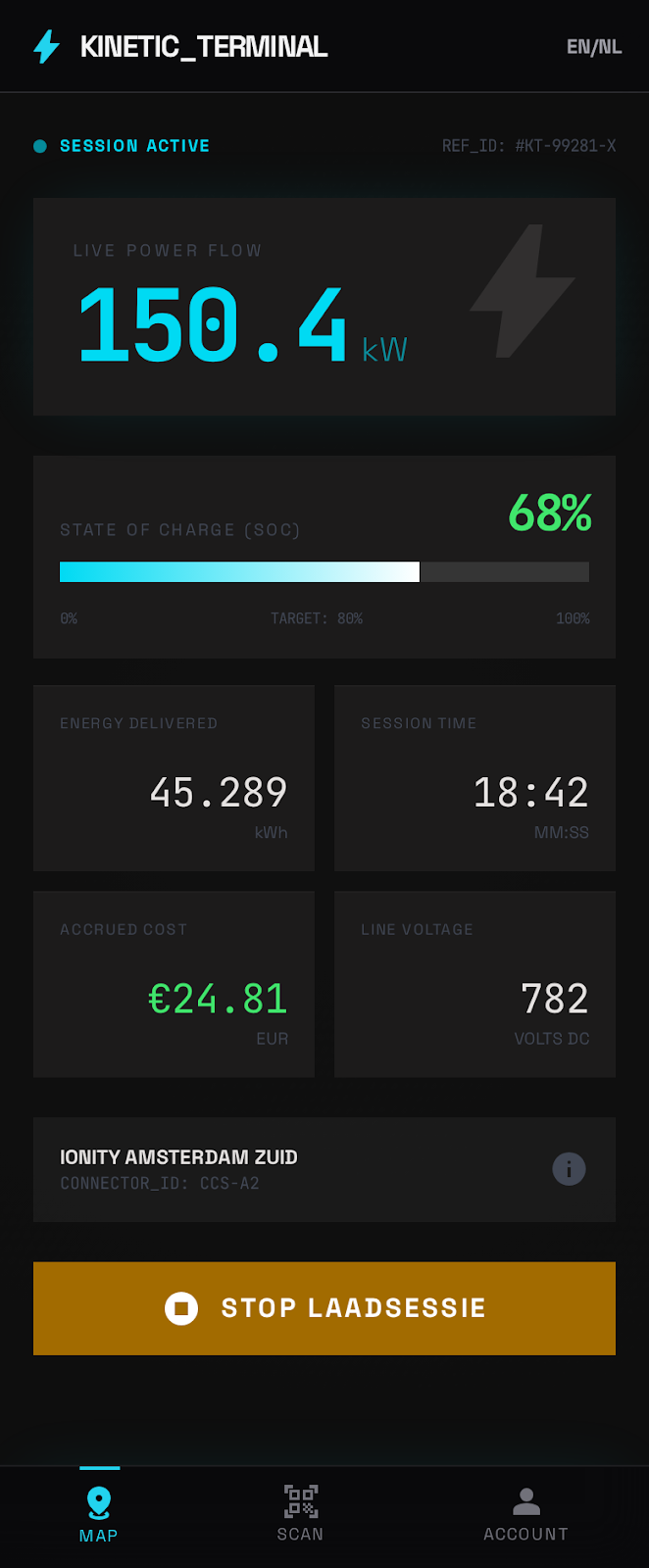
OpenCPO ships with 7 skins out of the box:
Voltage Backstage
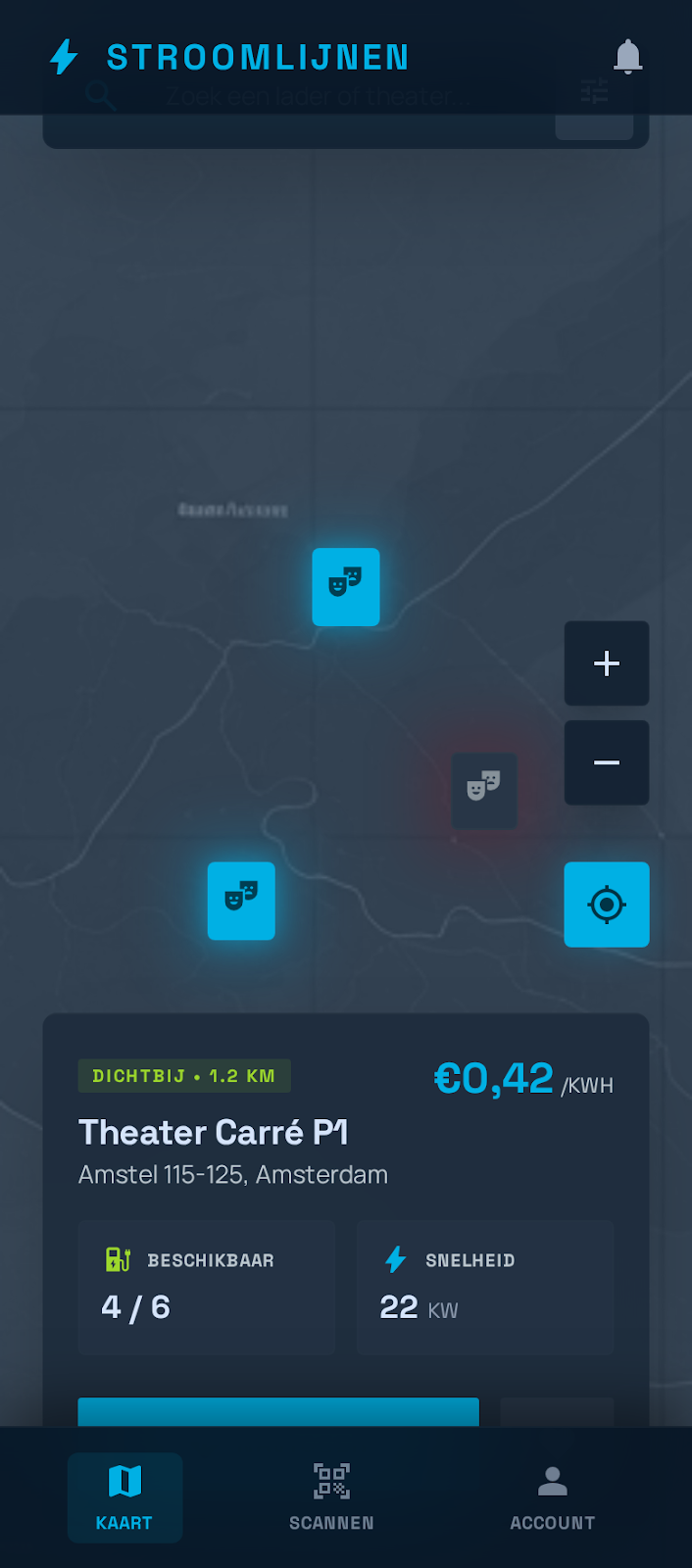
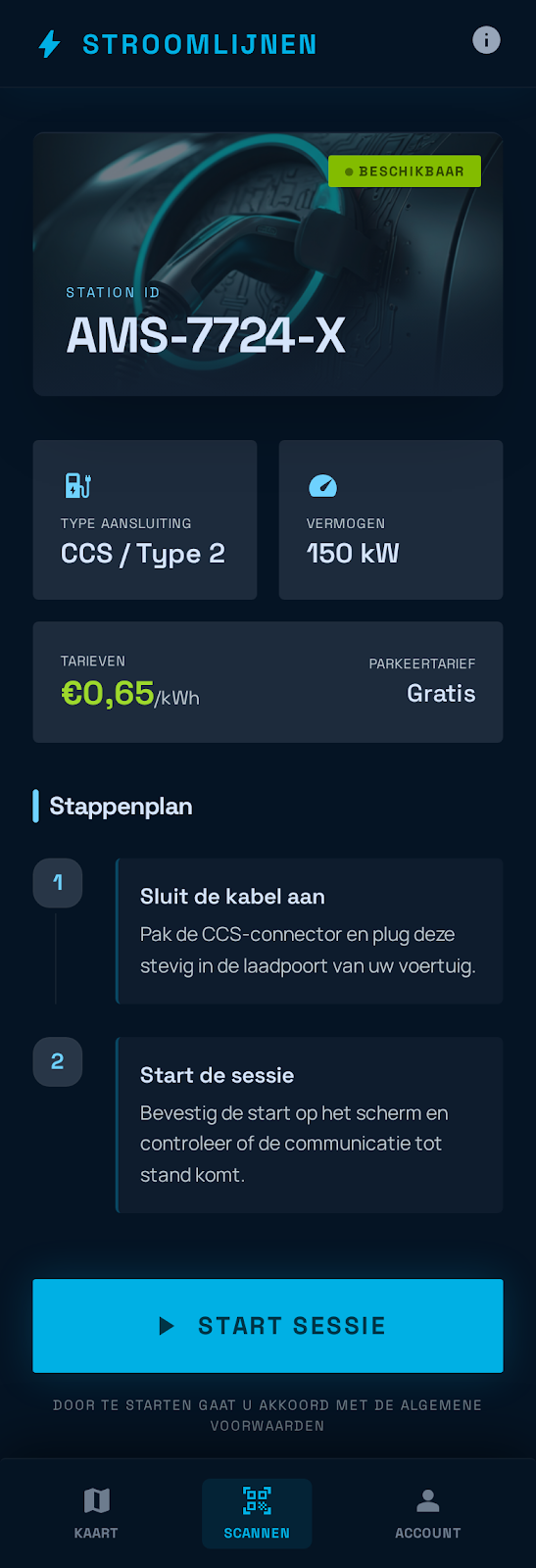
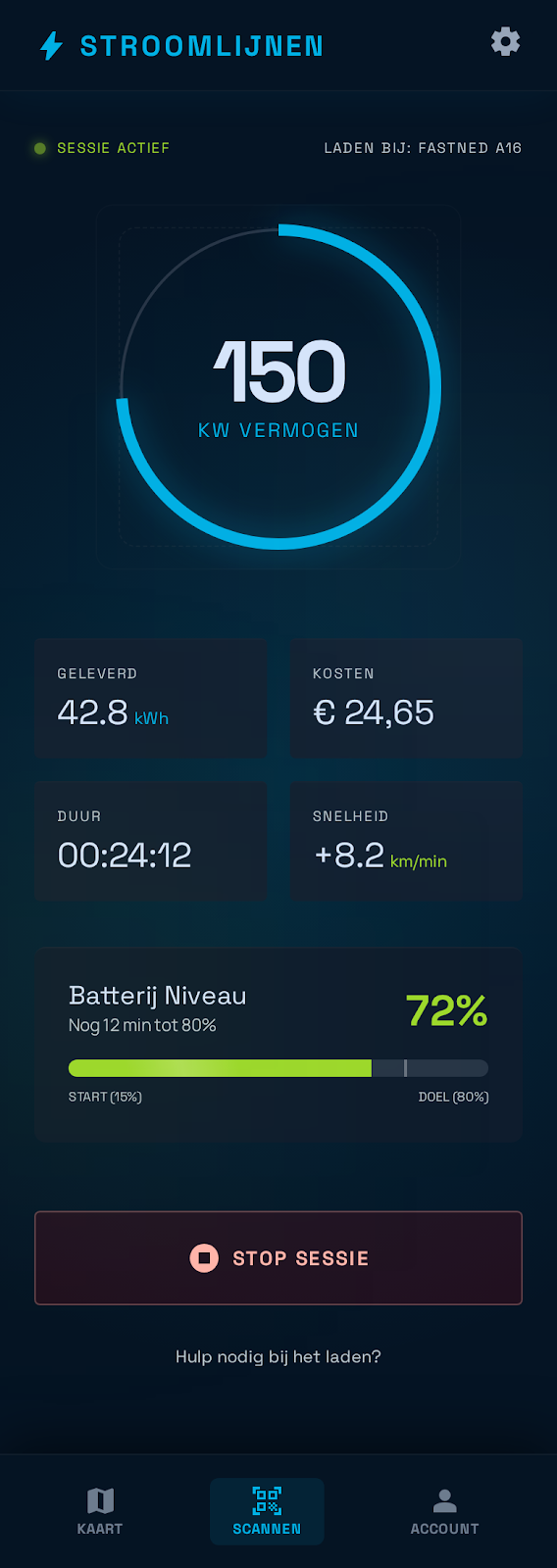
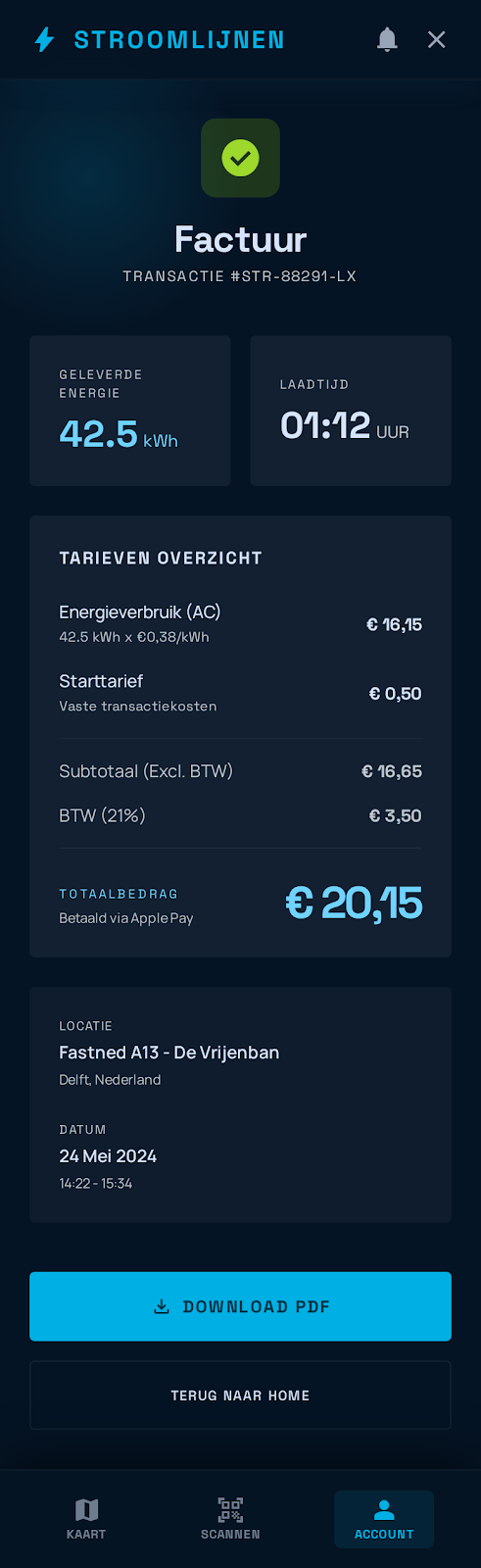
Stroom Electron
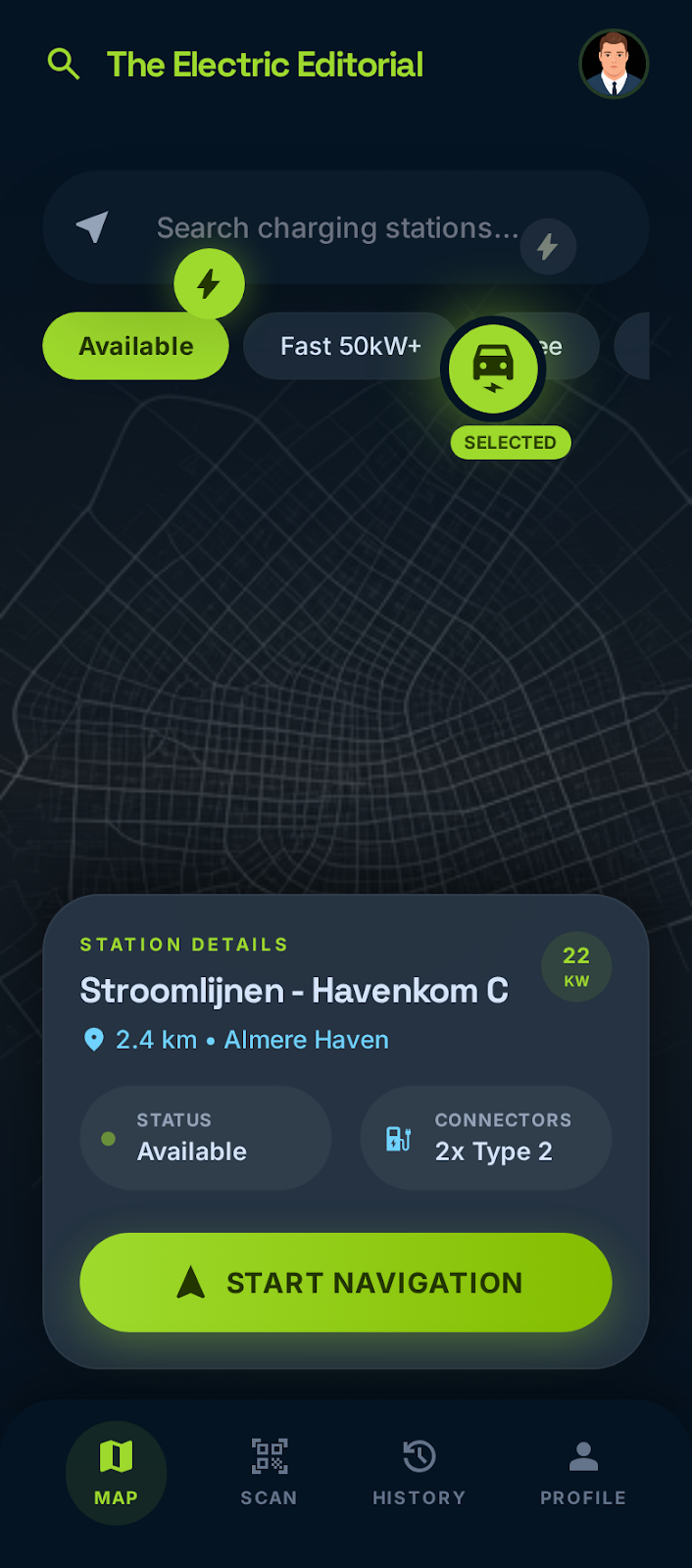
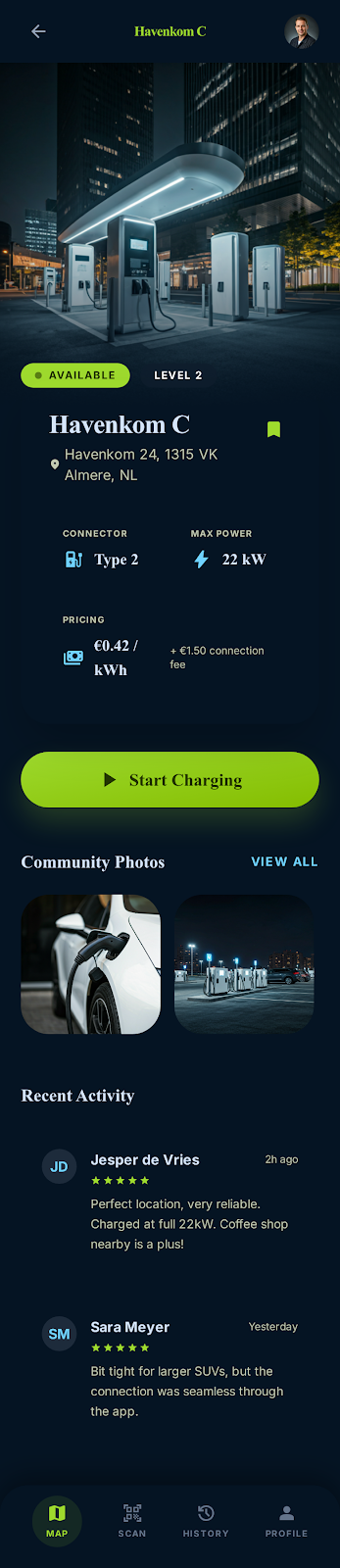
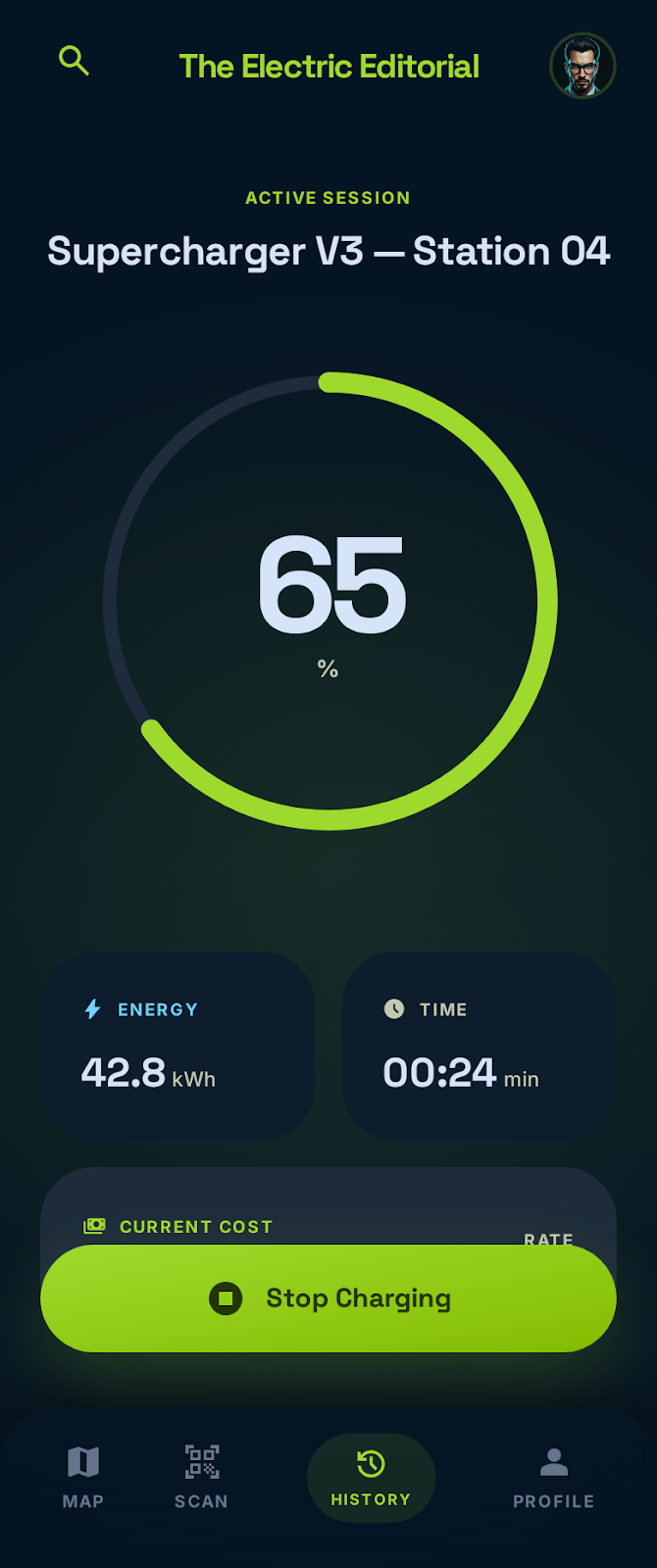
Ion Flux
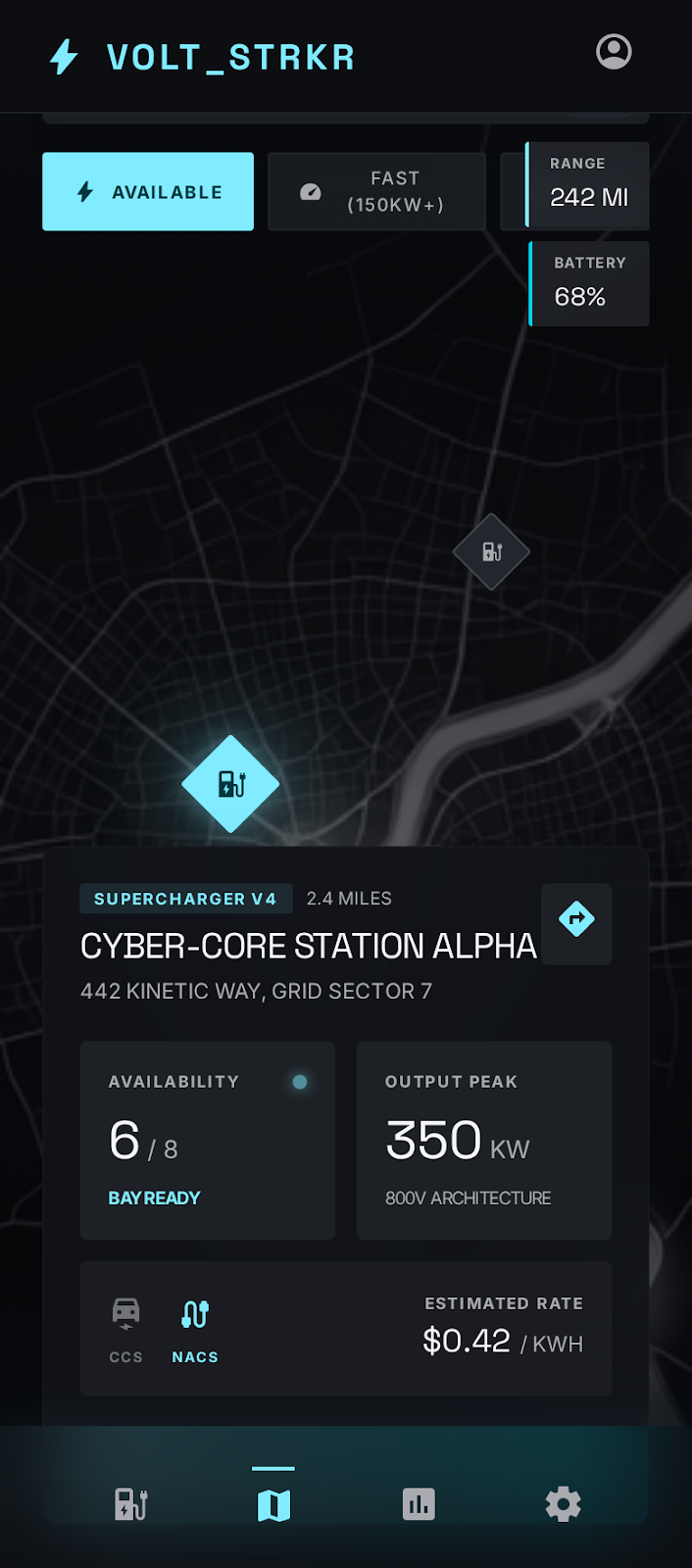
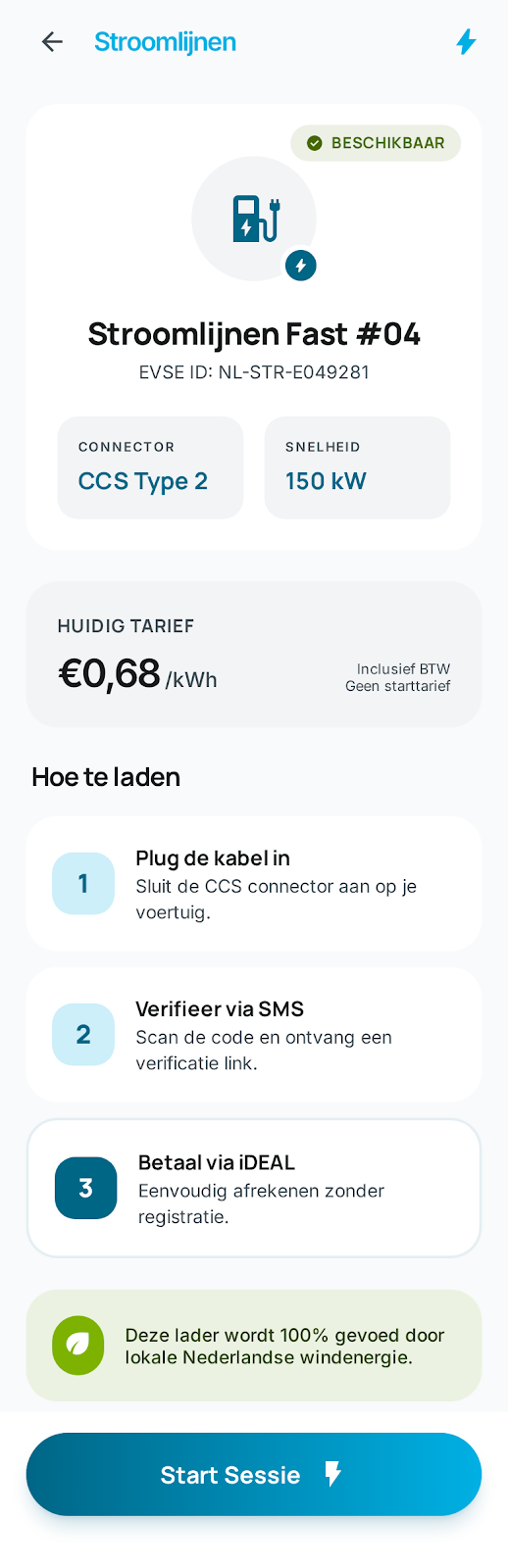
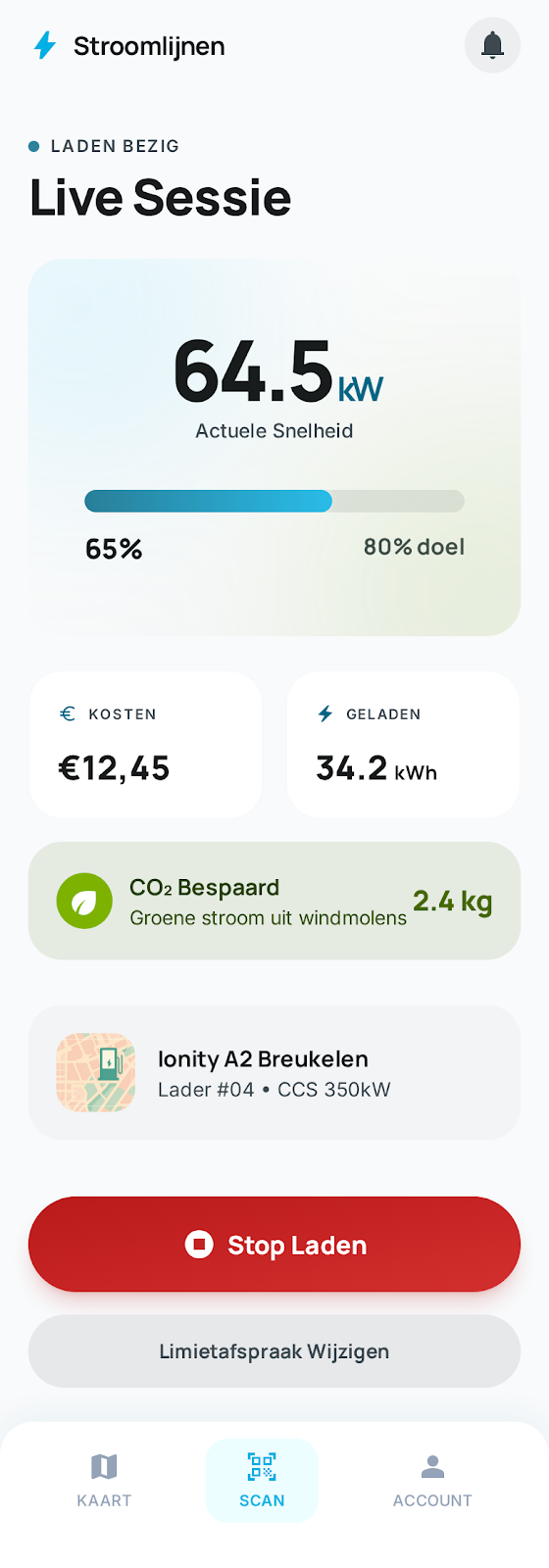
Current Flow
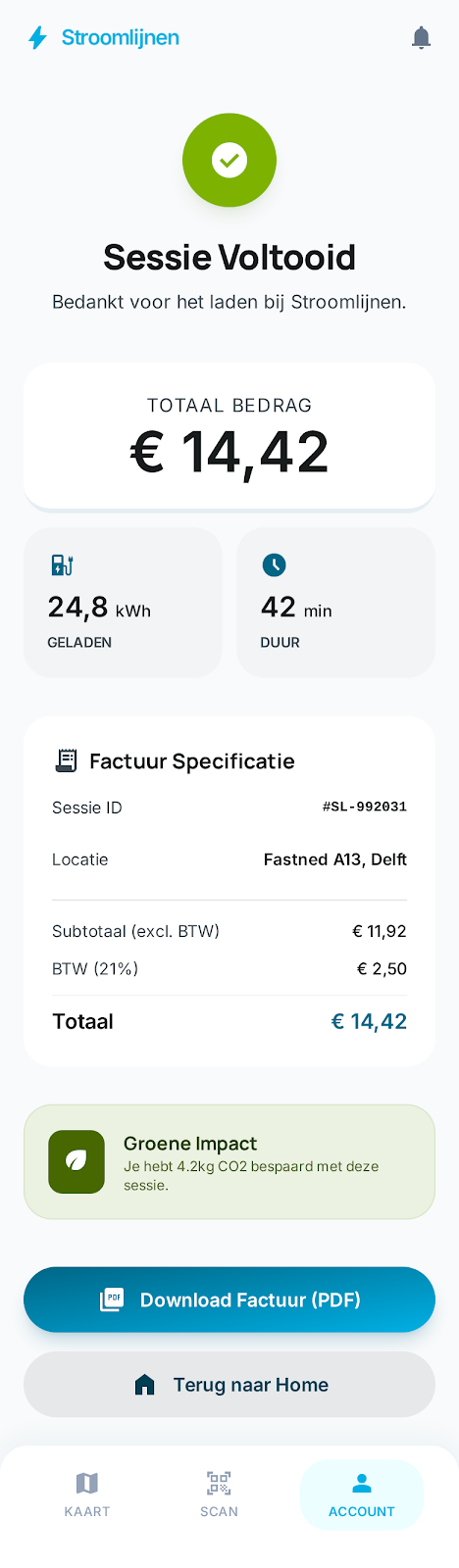
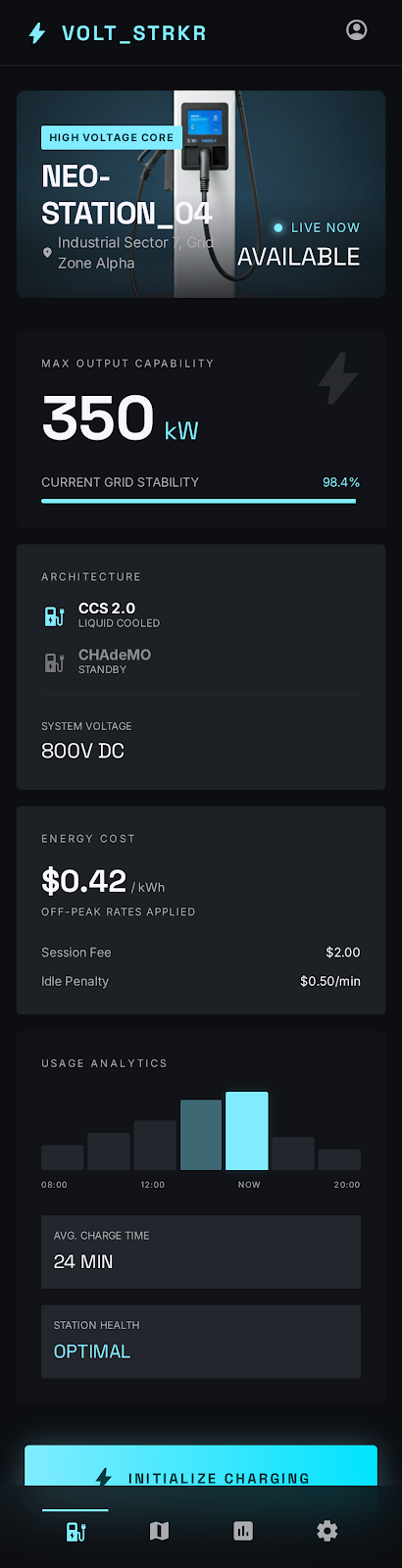
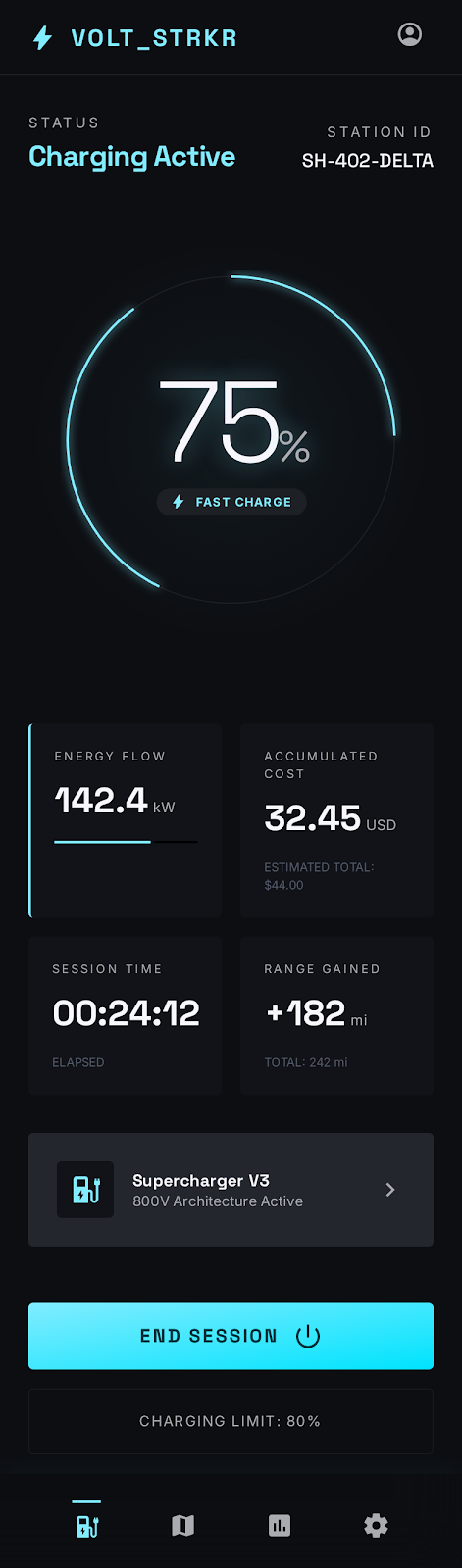
Voltage Industrial
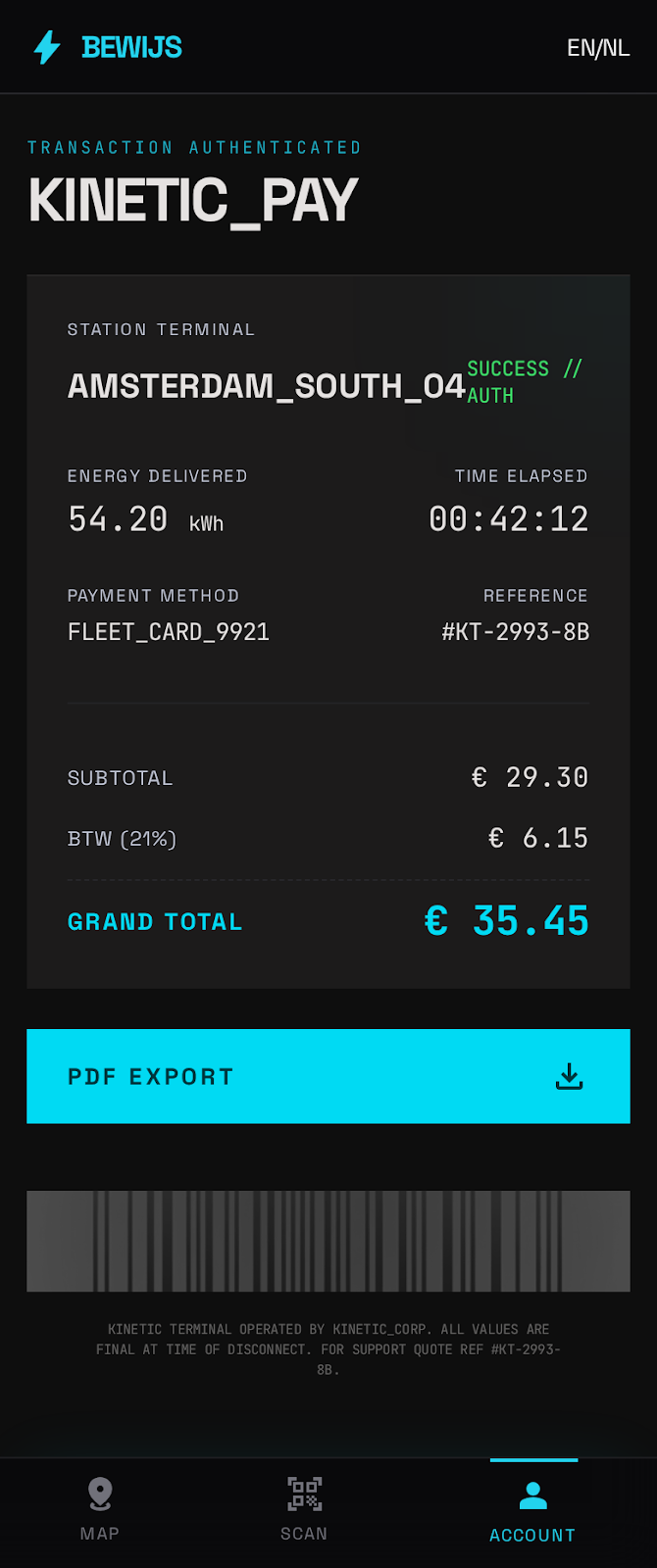
Create Your Own Skin — 3 Steps
1 Design in Google Stitch
Open stitch.withgoogle.com and use this prompt template (customize the brand details):
Design a mobile EV charging app for [YOUR BRAND], a charge point operator.

Core screens: Map with charger pins, QR scanner, Charger Detail
(status badge, connector type CCS2, kW rating, step-by-step
charging guide, pricing per kWh), OTP phone verification,
Live Charging Session (real-time kW power gauge, kWh delivered,
cost in euros, SoC battery bar, duration timer, stop button),
Receipt (energy delivered, tariff breakdown with 21% BTW,
PDF download).

Design system: [YOUR COLORS AND STYLE].
Bottom navigation: Map, Scan, Account.
[YOUR LANGUAGE] UI. PWA mobile-first, 390px width.2 Convert with stitch-to-skin
Export the zip from Stitch, then run the converter:
# Install (one-time)
pip install opencpo-charge-app

# Convert Stitch export → OpenCPO skin
python -m opencpo.tools.stitch_to_skin my-brand.zip my-brand

# Output:
✓ Found 6 Stitch screen(s)
✓ Extracted 47 color tokens, 3 font families
✓ Detected mode: dark
✓ Skin 'my-brand' created at skins/my-brand/
The converter extracts Tailwind design tokens from Stitch HTML, maps them to OpenCPO's CSS custom properties, and generates a complete skin.json + style.css.
3 Deploy
Drop the skin folder into skins/ and set the environment variable:
# Test locally
SKIN=my-brand python main.py

# Production (Docker)
SKIN=my-brand docker compose up

# Or in Admin Dashboard → Skins → Activate
The admin panel includes a skin gallery where you can preview all available skins and activate them with one click.
Skin Architecture
Directory structure
skins/my-brand/
├── skin.json          # Metadata, colors, fonts
├── static/
│   └── style.css      # Complete CSS theme (~19KB)
├── templates/         # Optional template overrides
│   └── charge.html    # Override any base template
├── DESIGN.md          # Design system documentation
└── previews/          # Screenshot gallery
    ├── map.png
    └── session.png
skin.json format
{
  "name": "My Brand",
  "version": "1.0",
  "mode": "dark",
  "colors": {
    "primary": "#00B0E4",
    "secondary": "#84BD00",
    "background": "#0a1628",
    "card": "#0f2035",
    "border": "#1a3a5c"
  },
  "fonts": {
    "headline": "Space Grotesk",
    "body": "Inter",
    "label": "Space Grotesk",
    "mono": "'Roboto Mono', monospace"
  }
}
CSS Custom Properties
Your style.css must define these variables in :root:
| Variable | Purpose | Dark example | Light example |
|---|---|---|---|
--bg | Page background | #0a1929 | #f8fafb |
--bg2 | Secondary background | #0d2137 | #f2f4f5 |
--card | Card background | #0d2137 | #ffffff |
--border | Border color | #1e3a5f | #dde3e8 |
--accent | Primary action color | #00B0E4 | #006686 |
--green | Success / available | #22c55e | #476800 |
--red | Error / danger | #ef4444 | #ba1a1a |
--text | Primary text | #f1f5f9 | #191c1d |
--text2 | Secondary text | #94a3b8 | #5f6b72 |
--font-headline | Headlines | 'Space Grotesk', system-ui | |
--font-body | Body text | 'Inter', system-ui | |
--font-mono | Numbers / data | 'Roboto Mono', monospace | |
Stitch Prompt Examples
Premium Dark (Theater Tech)
Design a mobile EV charging app for [BRAND].
Dark navy (#0a1929) background, electric cyan (#00B0E4) accent.
Theater-grade reliability aesthetic. Space Grotesk headings,
Manrope body. Glow effects on active states.
Core screens: Map, QR scanner, Charger Detail, OTP, Live Session, Receipt.
Dutch language UI. PWA mobile-first, 390px.
Clean Light Mode
Design a mobile EV charging app for [BRAND].
Light mode, white background, teal (#006686) primary.
Clean Dutch editorial feel. Manrope headings, Inter body.
Soft shadows, eco-green accents for sustainability.
Core screens: Map, QR scanner, Charger Detail, OTP, Live Session, Receipt.
English language UI. PWA mobile-first, 390px.
Industrial / Fleet
Design a mobile EV charging app for [BRAND].
Near-black (#131313) background, neon cyan (#00DAF3) accent.
HMI/SCADA terminal aesthetic for fleet drivers.
Monospace numbers, sharp corners, underscore naming.
Core screens: Map, QR scanner, Charger Detail, OTP, Live Session, Receipt.
Dutch language UI. PWA mobile-first, 390px.
White-Label Service
For CPOs who want a fully branded charging experience without managing the technical details, OpenCPO offers white-label deployment:
- Custom skin designed to your brand guidelines
- Custom domain — charge.yourbrand.com
- Logo, favicon, PWA manifest configured
- Admin panel integration — switch skins from the dashboard
- Per-site skins — different branding for different locations (coming soon)
Contact us at [email protected] to discuss white-label deployments.
Contributing Skins
Built a skin? Share it with the community:
- Create your skin using Stitch or manually
- Test it with the charge app
- Submit a PR to opencpo-charge with your skin directory under
skins/ - Include:
skin.json,style.css,DESIGN.md, and preview screenshots
git clone https://github.com/opencpo/opencpo
cd opencpo && SKIN=voltage-backstage docker compose up